Your website may be running on an insecure PHP version without you knowing it
Many businesses feel that their website “just works.” Content is updated, employees use the solution in their daily work, and everything appears normal on the surface. As a result, technical risks are often given low priority – especially when there are no visible issues.
This is exactly where one of the most overlooked challenges arises.
Even if your CMS is being updated regularly, the foundation underneath the solution may be outdated. We see it often in practice: websites running on PHP versions that are no longer maintained, leaving known vulnerabilities unpatched.
This means the solution may look healthy on the surface, while underneath the hood there is a growing risk related to security, performance, and stable operation.
Often, this is not an active choice. PHP is not something most people work with in their day-to-day tasks, and responsibility typically falls somewhere between the hosting provider, developer, and internal operations team. That is why it is easily overlooked.
What is PHP?
PHP is the programming language that powers a large part of the internet. It is used to handle logic, databases, forms, user functionality, and dynamic content.
If your website is built in WordPress, Joomla, Magento or PrestaShop, PHP is a central part of the solution.
The same applies to custom-built solutions developed in Laravel or other PHP-based frameworks.
In practice, this means:
- The CMS is the layer you work in
- The design is what users see
- PHP is what makes the functionality work
When the PHP version is too old, it affects the entire solution.
What does it mean when a PHP version is outdated?
An outdated PHP version is a version that is no longer maintained by the official developers. This typically means that no further security updates, bug fixes, or improvements are released.
It can be compared to using an older operating system – for example an old version of Windows or iOS – that still works in everyday use, but where security weakens over time and new apps can no longer be installed or run properly.
At first, there are often no visible signs. The site keeps running and everything appears to work. But beneath the surface, problems gradually begin to grow. New features and updates start to require capabilities the old version cannot meet, while security weakens because known vulnerabilities are no longer patched.
The difference is that PHP sits underneath everything. It is not something you normally think about in your daily work, which is why it is easily overlooked.
Many only discover the issue when something starts failing, performance drops, or an important update can no longer be completed.
How outdated PHP affects your website in practice
When the PHP version is outdated, it gradually begins to affect your entire solution. Not necessarily overnight, but over time – and often in ways that are difficult to identify.
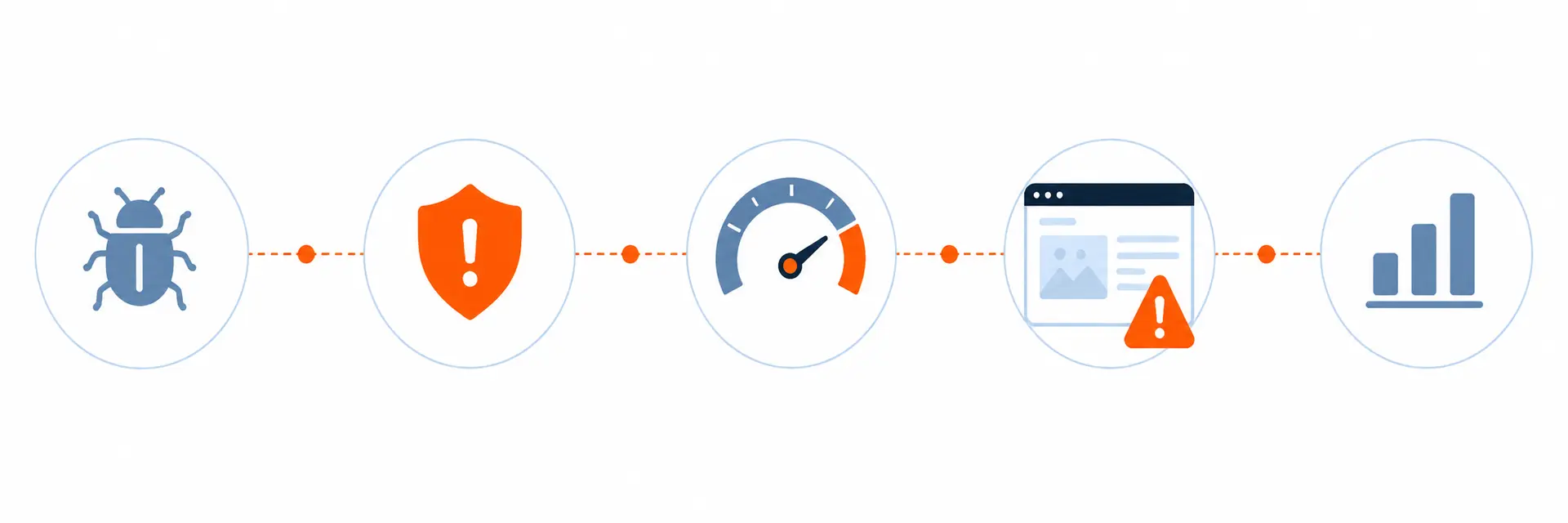
Security
Outdated PHP versions may contain known vulnerabilities that are no longer patched. This means malicious actors may attempt to exploit weaknesses that are already documented.
For CMS-based solutions, this is often combined with plugins or modules that may also contain vulnerabilities. This is especially relevant for WordPress, where plugins are often a common entry point, but also for Joomla installations that have not been properly maintained over time.
For e-commerce platforms such as Magento and PrestaShop, the consequences can be even more serious because customer information, order data, and payment flows are involved.
Functionality
One of the first consequences is often functionality issues.
Plugins, modules, and themes continue to evolve and begin requiring newer PHP versions. This means updates may fail, or parts of the website may stop working correctly.
In some cases, you notice it immediately. In others, the issues only appear later – for example forms, integrations, or automations that no longer work reliably.
Performance
Newer PHP versions are significantly faster and more efficient than older ones. These are not minor differences, but improvements that can often be felt directly in page load times and response speed.
For larger solutions – such as Magento or WordPress with many plugins – an outdated PHP version can be a major reason why the site feels heavy and slow.
This affects user experience, search engine visibility, and ultimately conversions. If you are paying for traffic, poor performance can also reduce the effectiveness of your marketing.
Operations and stability
When the PHP version – the foundation – is outdated, the entire solution becomes more vulnerable to errors.
This may appear as minor glitches and irregularities with no obvious cause, or as larger breakdowns during updates and changes.
At the same time, troubleshooting often becomes more time-consuming because the foundation is no longer supported. Even small changes may therefore require more testing and greater caution than necessary.
Technical debt
One of the most overlooked consequences is the long-term effect.
The longer you wait to update, the greater the gap becomes between your setup and current standards. This often means that several areas suddenly need attention at the same time, including the PHP version, CMS version, plugins, integrations, hosting environment, and any custom-developed functionality.
What could have been a relatively straightforward task can develop into a larger project with higher risk, longer delivery time, and greater cost.
When updates are not prioritised
In practice, we often see two typical scenarios.
The first is that neither the CMS nor PHP is kept up to date. This gradually creates a backlog where functionality, security, and stability decline over time. It may continue to work for a period, but eventually problems begin to appear – often at an inconvenient time.
The second scenario is that you are actually trying to keep your CMS updated, but run into limitations. An update cannot be completed because the PHP version is too old. Or the update is completed, but parts of the site no longer work as expected afterwards.
This happens because the CMS and PHP are closely connected. New versions of CMS platforms and plugins are developed for newer PHP versions. If the foundation falls behind, the rest does too.
The result is either a system that cannot be updated, or a system that becomes unstable when you try to keep it updated.
Signs your setup should be reviewed
It may be worth having your solution assessed if:
- You do not know your current PHP version
- Your website is several years old without a major technical review
- Updates in WordPress, Joomla or other systems fail or are postponed
- Plugins or modules cannot be updated
- The site feels slow without an obvious reason
- You have received warnings from your hosting provider or the system itself
- Functions on the site do not work as expected
If even one or two of these points apply, it may be worth taking a closer look.
What does an upgrade require in practice?
A PHP upgrade is rarely just about changing a version number. In practice, it is about ensuring the whole solution can keep up.
It starts with a review of the existing setup, where dependencies between the CMS, plugins, modules, and any integrations are identified. Then it is assessed what is compatible with newer PHP versions and what may need to be updated or adjusted.
Changes should be tested in a controlled environment before being implemented on the live solution. The upgrade itself is often the smallest part of the work – the preparation and quality assurance are what ensure everything works properly afterwards.
The complexity depends on the platform and the history of the solution, but in most cases it can be carried out safely with the right approach.
Are you unsure about your PHP version?
If you are unsure which PHP version your website is running on, or whether your setup is up to date, it makes good sense to have it assessed.
At itpilot, we take your specific solution as the starting point and give you a clear picture of where you stand – and what, if anything, should be done next.
Call us at +45 87 25 07 87 or fill out the contact form.
